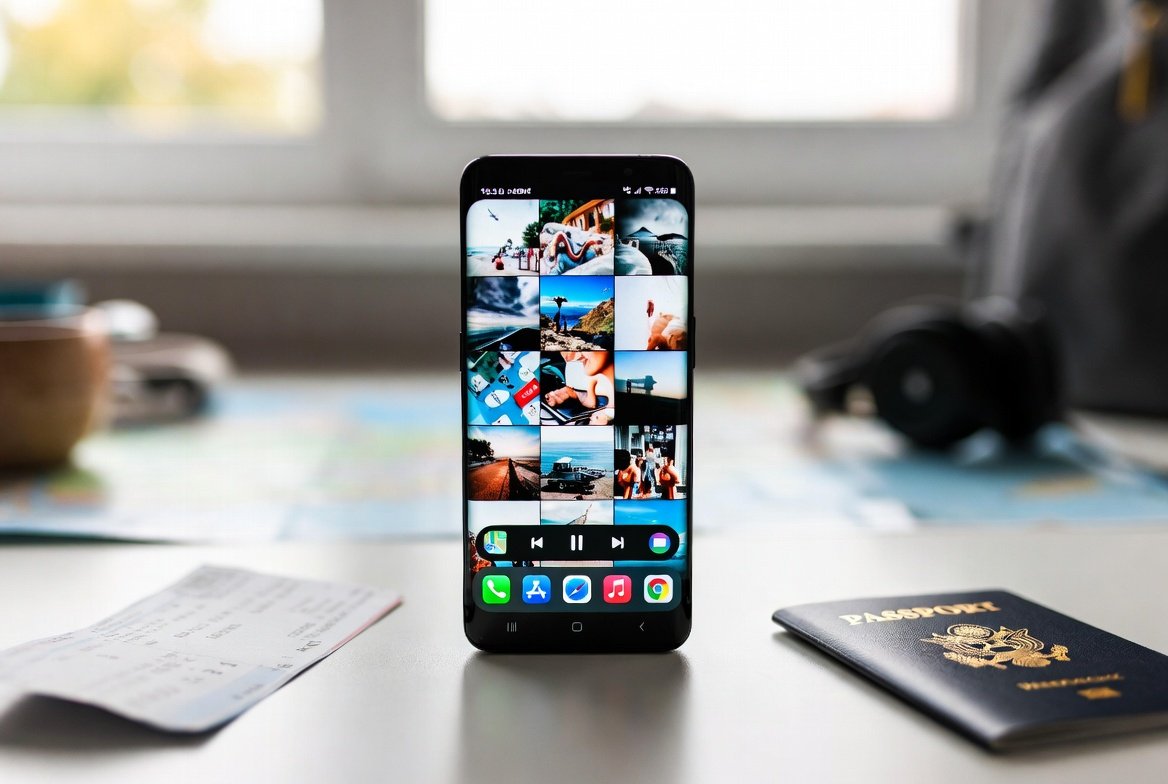
The packing of bags and route planning are usually the initial stages of trips, but the phone always gets neglected until it is too late. It already has maps, tickets, photos and messages and thus silently becomes a part of the journey. Nevertheless, it may be advisable to give it a slight consideration before going. It might have been better to clear some of the things and make the experience feel a bit lighter and better managed and it might help to minimize small inconveniences that appear at an inappropriate moment. It does not imply erasing everything and extremism regarding it. It is less about making a digital pond that can facilitate the trip rather than create clutter. Even a couple of deletes could allow making space and creating memories, helpful applications, and restful times in between.
Screenshots of things that have lost their purpose

Screenshots usually start with reminders, saving a few seconds, funny moments and just accumulate. The gallery would be simpler to navigate when taking new pictures throughout the trip, as it will be possible to remove those that no longer appear to be helpful.
Duplicated photos occupying extra disk space

There are varieties of the same image that can be left for months without any notice. Deleting some duplicates can certainly make more storage space available and can help the photo app feel a bit lighter, and therefore can be very useful when taking numerous new photos.
Apps that are not opened frequently

There are applications that are downloaded and forgotten. Uninstalling the ones that have become unproductive can potentially lessen the amount of clutter in the background and simplify the process of locating the apps linked to traveling as and when required.
Big video files
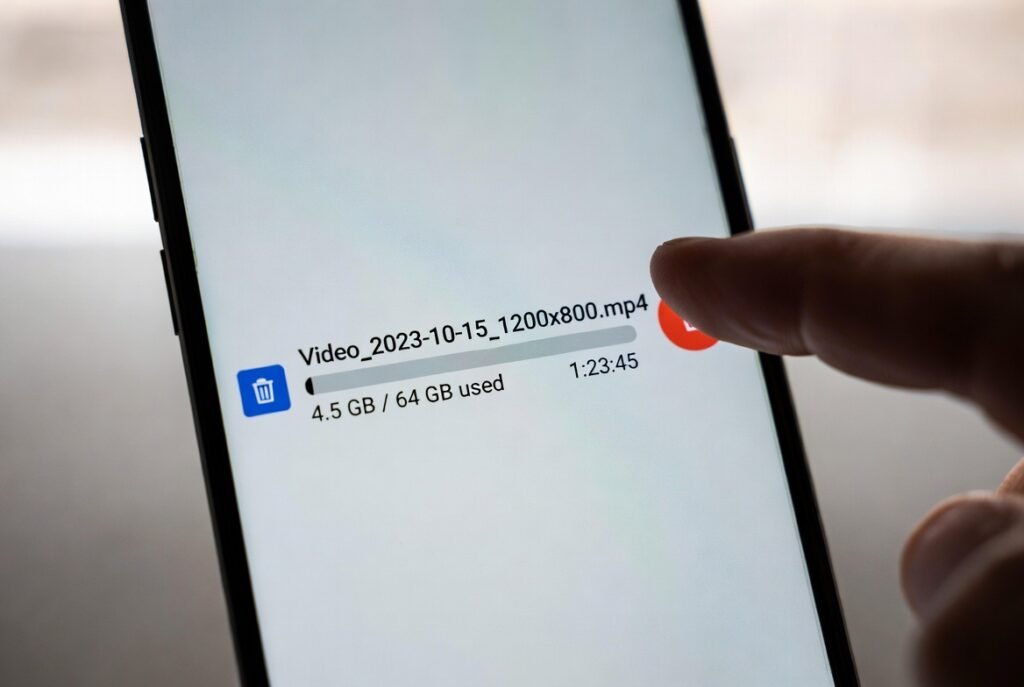
Past event videos can consume a lot of space, to the surprise of many. To record moments that occur during the trip, deleting the ones that have been backed up or are no longer required may be smooth.
Irrelevant offline files

The folder may contain downloaded documents, old maps or saved pages that remain in folders. The deletion of files that do not correspond to the current plans may enhance flexibility in the storage and make it less confusing to find something valuable.
Unnecessary browser tabs

Open tabs can quietly impact performance and focus on dozens of tabs. Unnecessary pages that one no longer needs can be closed, which would allow moving through them in less time and focusing on the information that matters to the trip.
Old voice notes and recording
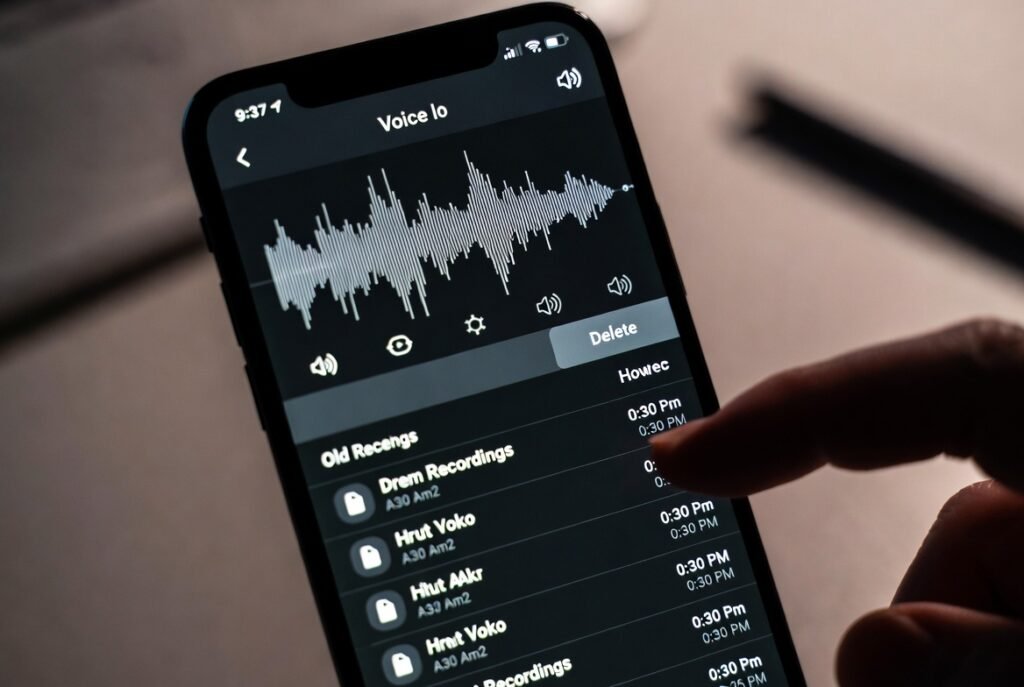
Records that are created quickly to remind or note something, etc., may remain long after they have lost their intended use. Deleting ones that have become superfluous can serve the purpose of clearing the storage and decreasing the digital clutter.
Temporary files from editing apps

The editing tools usually store the draft and temporary files without prior warnings. Swiping such extras might serve as a method of avoiding storage overloading and enabling creative apps to perform even better on the move.
Saved chat media

Photos and videos sent on the chats are automatically saved. It may be prudent to delete the already backed-up copies in order to minimize the clutter and not lose anything that seems meaningful and significant.
Past trip or project downloads

Older plans could still have boarding passes, brochures, or work files in the downloads folder. It might be easier to locate new documents concerning the current trip by removing outdated information.
Games that you haven’t played

Games are entertaining, but they consume space and updates. Uninstalling the ones that are not interesting anymore could open up the space to the more useful or easier apps during travel time.
Widgets that no longer seem useful

There are those widgets that are beautiful yet hardly checked. It would be desirable to customize the home screen by deleting the ones that are not relevant to everyday necessities, and have a better experience with a streamlined and faster-moving feeling.
Outdated notes that are not required

Tasks, ideas, or reminders can be noted down silently. Deleting those that are no longer relevant may cause needed information, such as packing lists or travel plans, to be easier to locate.
Additional email attachments stored on the phone

Email attachments can be automatically saved and forgotten. Removing the large files or even old files would help make storage free and limit delays in opening the important messages.
Background files system update

Some of the remaining files may take a while after updates. There may be options that help the phone to run a little more smoothly on the trip; clearing the cache or temporary data stored on the system may be one of those options.
