
Are you going abroad or simply flying domestic? Your phone holds a lot of personal data that you might not even think of, and it is always a good idea to give it a quick clean-up rather than get caught in awkward scenarios of random device checks at the airport or even more severe privacy threats. I explored travel forums such as Reddit’s r/privacy and r/travel, along with current guidance from EFF and travel blogs, where people discuss their encounters with customs inspections and data protection. The ten things that intelligent travelers suggest to wipe out (or at least to eliminate temporarily) before you leave- back up first, of course!
Old Boarding Passes and Travel Wallet Items
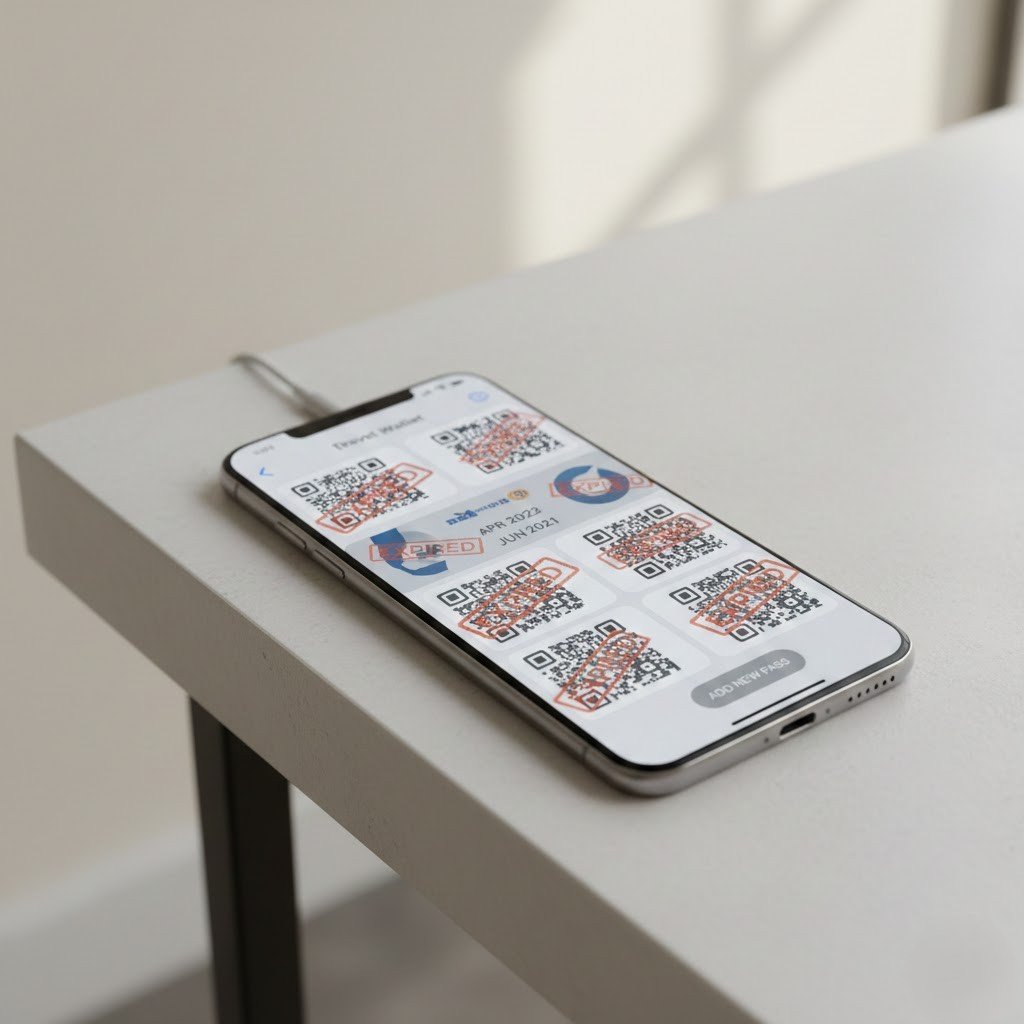
Those digital boarding passes and QR codes in your wallet app? They often linger with personal details like your full name, frequent flyer numbers, and booking refs. Reddit users and travel sites warn they clutter your phone and could leak info if someone accesses it. Delete expired ones to minimize your digital trail.
Banking and Payment Apps
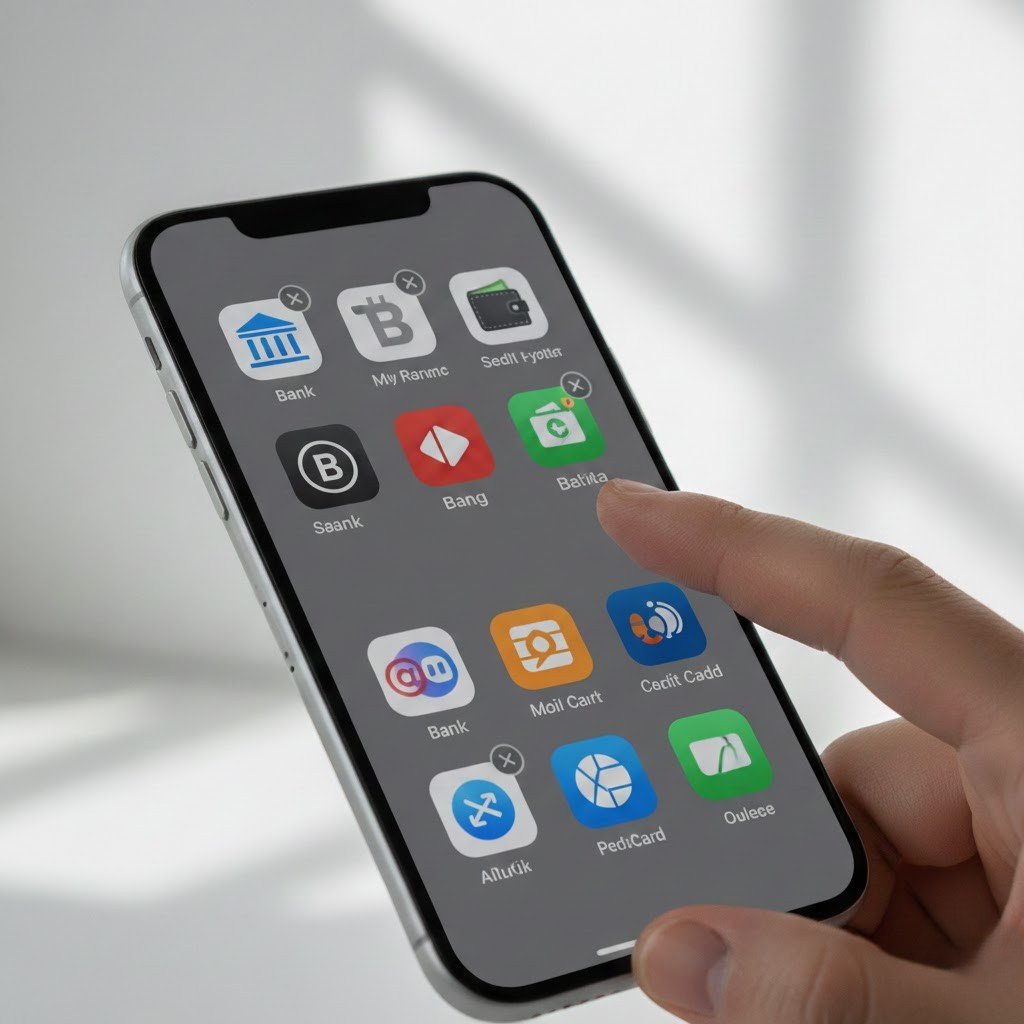
A big one from privacy threads: uninstall banking apps temporarily. If your phone gets inspected or stolen, you don’t want easy access to accounts. Many reinstall them after reaching their destination and it’s a common tip for international trips to avoid fraud risks abroad.
Sensitive Photos and Videos

Personal pics, especially anything private or compromising, top the list for deletion before borders. Forum stories mention customs spotting “sensitive” content causing delays, move them to secure cloud storage or a home computer first, then delete from your device.
Browser History and Cache
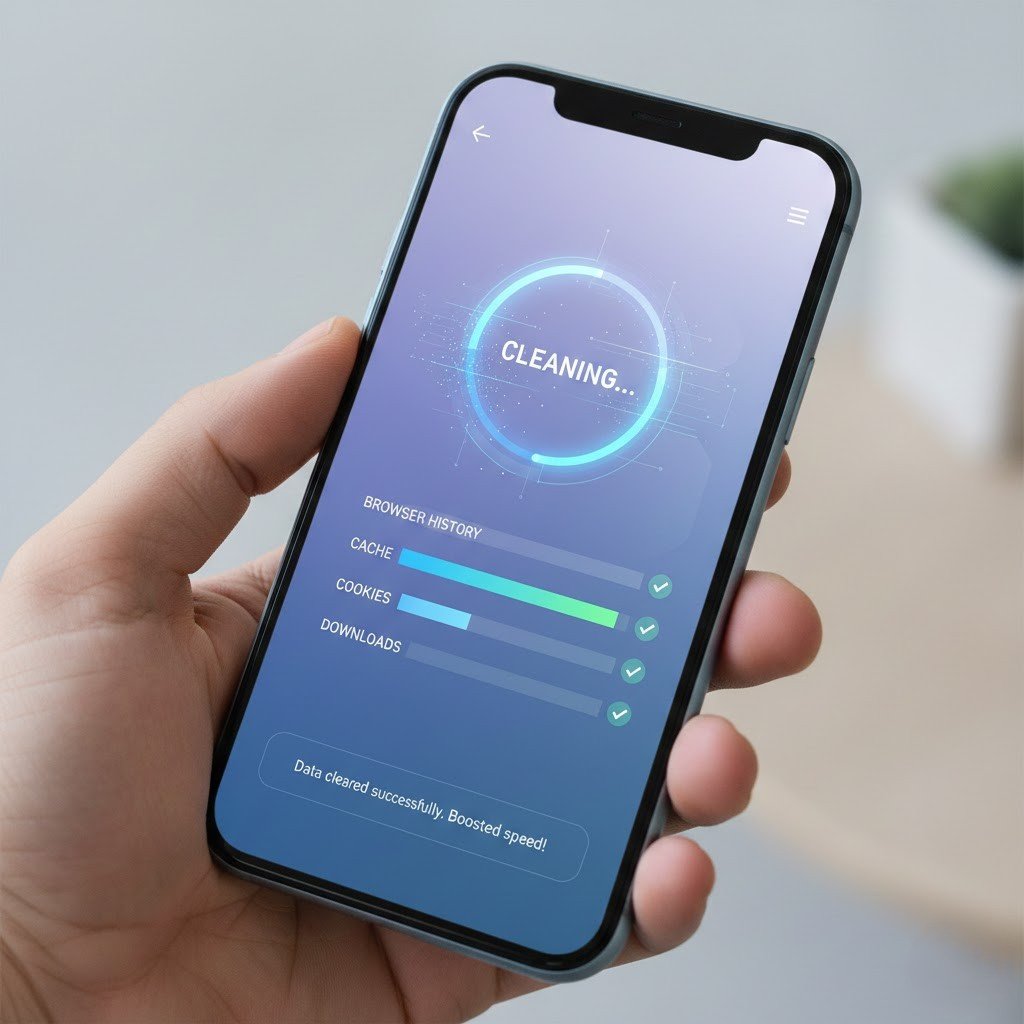
Get rid of your browsing history, cookies, and cache in a jiffy; it’s fast and scrubs off traces of such sites or searches that might create suspicions. Reddit travelers do it for privacy and it also gives you more space and faster phone for the necessities during the trip.
Social Media Apps
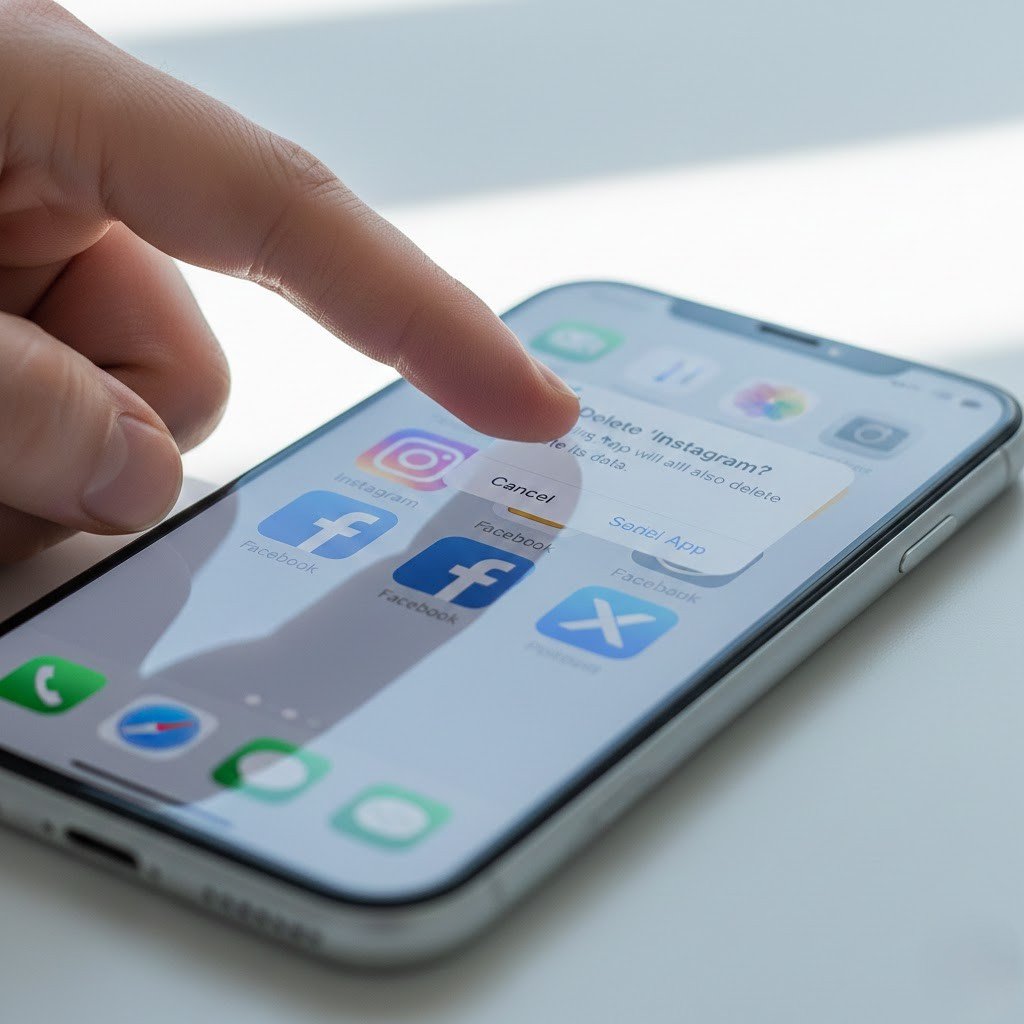
Log out and delete apps like Instagram, Facebook, or X to prevent easy access to your feeds and messages. Advice from border privacy guides notes that even private posts are visible on your device, many backup chats and reinstall later for peace of mind.
Unused or Old Apps
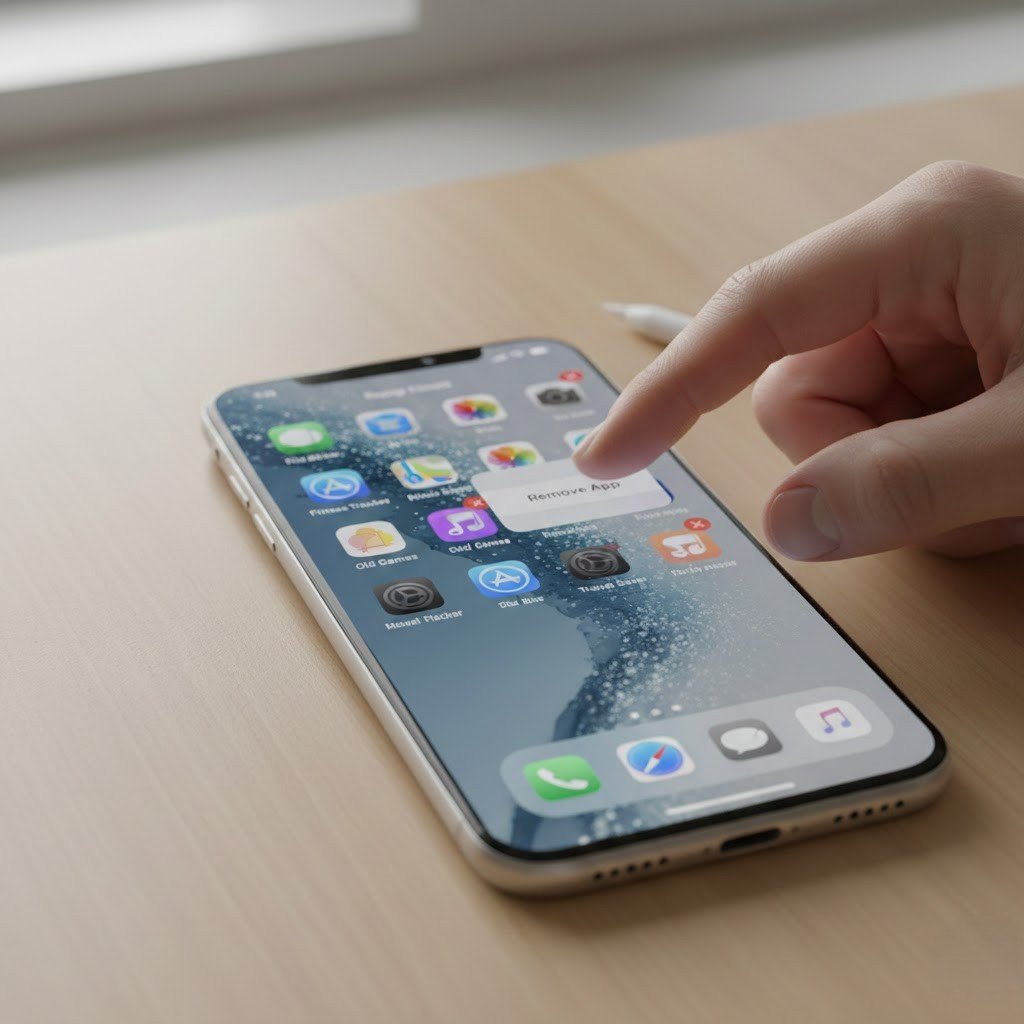
Audit and delete apps you don’t need for the trip, especially sideloaded or sketchy ones. They take up space, drain battery, and might have unnecessary permissions. Frequent flyers on forums say this also reduces malware risks on public Wi-Fi abroad.
Sensitive Messages and Texts

Delete chats or threads that could be misinterpreted, political discussions, work secrets, or personal stuff. Privacy pros recommend backing up important ones to the cloud, then wiping them; disappearing messages in apps like Signal help too.
Email Apps and Accounts
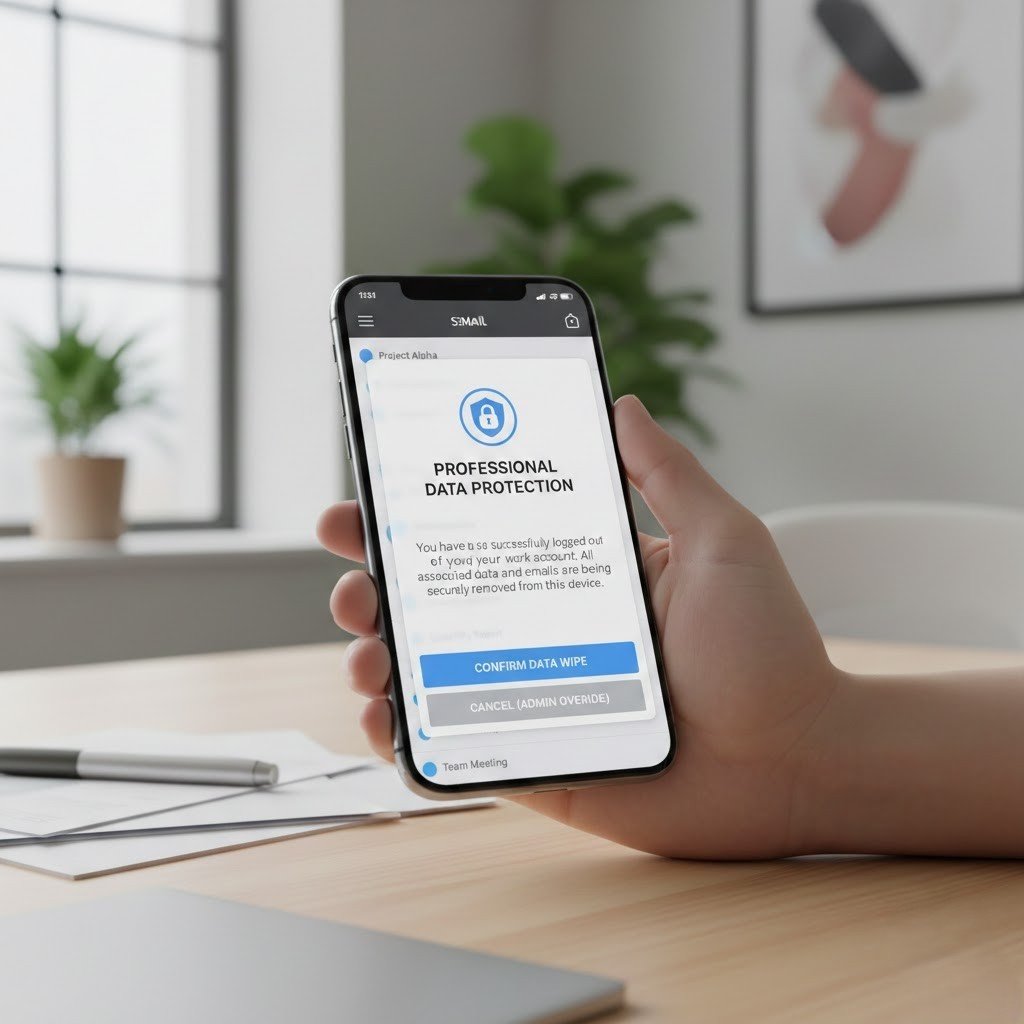
Work emails can hold confidential info that raises flags. Travelers suggest logging out or uninstalling the app temporarily, reinstall once you’re through. It’s a tip from EFF guides and forum threads to avoid exposing professional or personal correspondence.
Cloud Storage Apps and Backups

Apps like iCloud, Google Drive, or Dropbox might sync sensitive files locally. Delete the apps or offload backups to secure cloud (then log out) before borders, many reinstall after. Reddit users call this essential to prevent easy access to your full digital life.
VPN or Privacy Apps
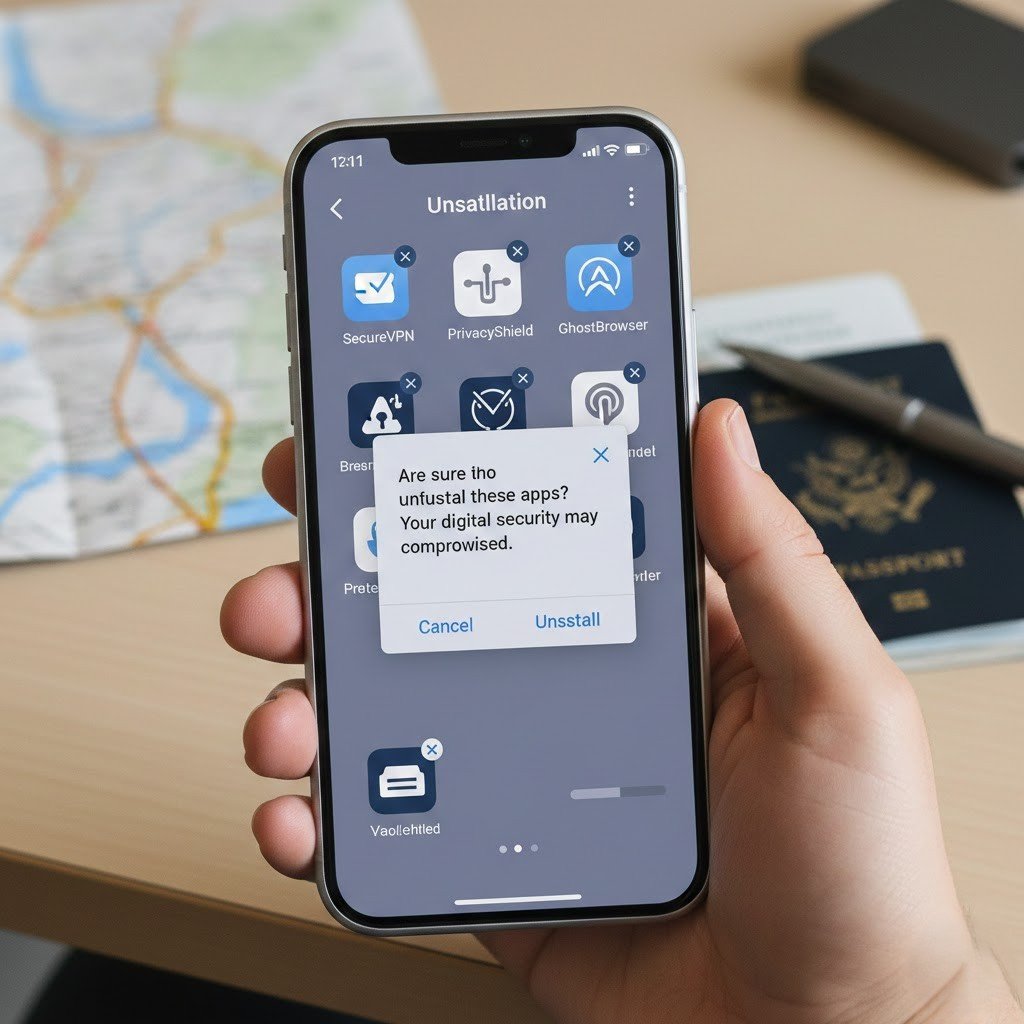
Ironically, having a VPN might flag you in some places, or agents want to see why. Some suggest uninstalling them temporarily and using public Wi-Fi cautiously or reinstalling them after arriving at the destination. There are mixed advice on forums, but common for high-risk trips.
